Requirements Verification
Check your code against your requirements.
Xen checks the latest complete Pine Script against your original request or active Build Plan, then identifies implemented, partial and missing requirements.
Turn trading ideas into Pine Script
TradingView Xen creates Pine Script strategies and indicators from your instructions, or reviews and updates an existing script. Built specifically for TradingView development, it runs local compile checks and can automatically attempt to repair code errors before you test the result in Pine Editor.
Build Strategy
Build Planner
Start with a trading idea, feature list or technical specification. Xen asks up to three focused questions, identifies assumptions and creates an ordered Build Plan you can implement and test progressively.
Requirements Verification
Xen checks the latest complete Pine Script against your original request or active Build Plan, then identifies implemented, partial and missing requirements.
From instruction to testing
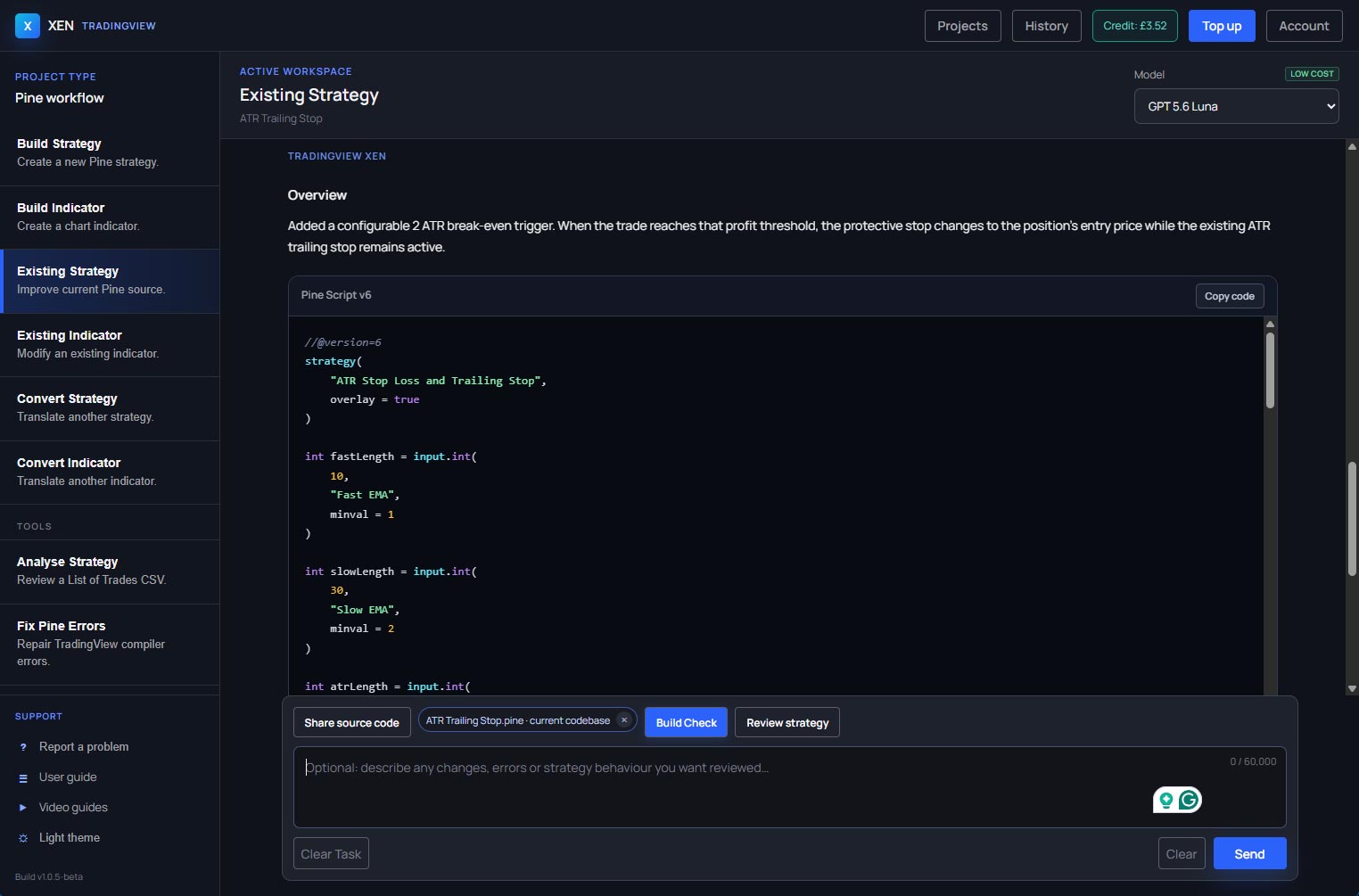
Describe the rules you want or provide an existing script. Xen generates or reviews the code, runs a local compile check, and attempts repairs if the checker reports errors. Then copy the result into TradingView’s Pine Editor and test it on a chart or in Strategy Tester.
One focused Pine workspace
Start with the guides to building strategies and creating indicators, or learn how to write a clear Pine Script prompt.
Build entry and exit logic, position management, stops, targets, filters and alerts for testing in Strategy Tester.
Create calculations, plots, overlays, conditions and configurable alerts for your chart-based workflow.
Build visual tables, multi-signal dashboards, scanners, risk tools and other Pine Script utilities for TradingView.
Improve an existing Pine script or bring source from another platform into a structured TradingView workflow.
About ClickAlgo
ClickAlgo has spent more than a decade building software tools for traders. Xen brings that practical experience to AI-assisted development, helping traders turn their ideas into Pine Script they can review, test and improve.
We do not promote “set and forget” AI bots, 24/7 profit claims or exaggerated returns. We provide professional development tools that help traders do the work properly and make their own informed decisions.
See Xen in action
See the guided workspace, AI-assisted build process and Pine Script workflow in this product introduction.
Pay as you go
Add credit from £1 and use it whenever you have a strategy or indicator to build, change or repair, with your current balance and AI usage cost shown in the workspace.
Pay securely by debit or credit card through Stripe, or purchase Xen credit using PayPal through the ClickAlgo website. Completely unused purchased credit can be refunded within 14 days under our Refund Policy.
Claim £5 introductory creditQuestions
You can begin with a plain-English description of the tool you want to build. Experienced Pine developers can work from existing source and give Xen precise technical instructions.
Use Fix Pine errors in the same task and paste the exact compiler message. Xen can revise the script using that diagnostic; compile and test the revised code in TradingView.
Yes. Existing Strategy and Existing Indicator workflows keep your current source available throughout focused revisions.
Xen is best suited to small and medium Pine Script projects. Large-scale projects still need an experienced developer to help with architecture, integration and testing.
Xen supports multiple AI models, including OpenAI GPT models and Claude. Choose the model you want to use from the workspace model selector.
No. Xen assists with software development. Every script and trading idea requires independent review and testing.
Build with a clearer process
Create an account, receive £5 introductory credit and start building without a subscription.
Create account and get £5 credit